About This App
- Name Screen Recorder - G1REC
- Category Video Players & Editors
- Price 0
- Safety 100% Safe
- Developer SolidDevsKit
- Version 7.2.0


Description
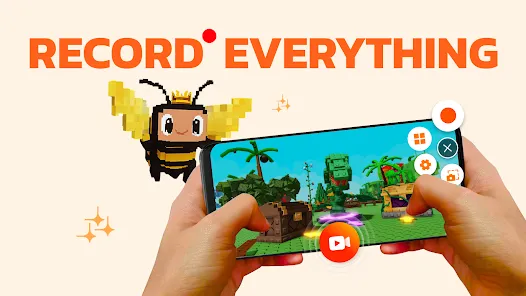
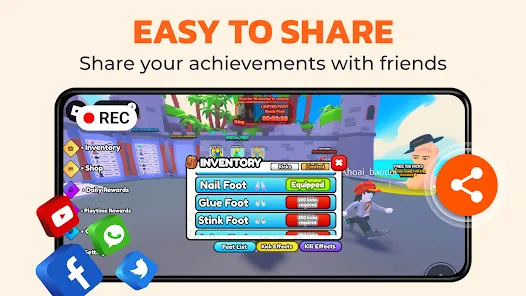
With G1REC, you can easily share high-resolution videos with no watermark on platforms such as Youtube, Snapchat, WhatsApp, Facebook, TikTok, etc. Unleash your creative potential and record screen like an expert with screen recorder!
KEY FEATURES:
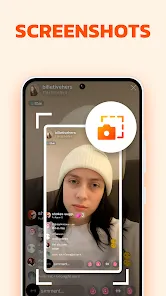
- Capture Screenshot quickly with Floating button
- Record videos with sound.
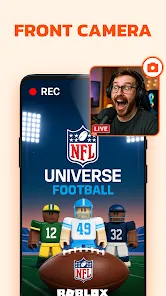
- Face camera, perfect for YouTubers.
- Record internal audio on Android 10+.
- Draw during recordings with the Brush Tool.
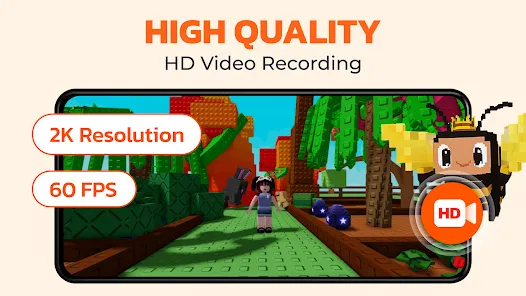
- Record in high quality: 1080p, 60FPS, at 12Mbps.
- Option to conceal floating button during recording.
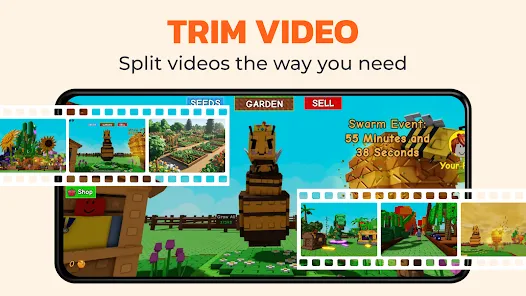
- Edit videos after recording.
- Voice changer for funny videos.
- Video to GIF: Make your videos to GIF.
- Video to MP3: Extract music from your videos.
🔊 Screen Recorder with Audio: Want to record gameplay or tutorials with audio? G1REC ensures your voice and internal sounds are captured clearly. Dive in and make your videos with this comprehensive audio-inclusive tool.
🎬 Video Recorder for game: G1REC offers top-tier game screen recording with HD quality.
🔉Video to MP3 Converter: Extract audio from videos using our Video to MP3 feature. Convert songs, lectures, or dialogues to high-quality MP3s for on-the-go listening. Simply upload, convert, and enjoy!
🤳 Facecam recording screen recorder: Employ the Facecam feature to include your reactions on a movable and resizable overlay window.
📽 Screen Video Recorder with no Watermark: Desire a no-watermark recording? It's your go-to for efficient screen recording or screenshot taking.
🎞 Video to GIF Converter: Easily transform video clips into looping GIFs with our Video to GIF feature. Record memorable moments in a compact, shareable format, perfect for social media, messaging, or websites.
We continuously aim to enhance the user experience based on feedback. Users can share their insights or report issues faced while using Screen Recorder via email at screenrecorder@app.ecomobile.vn
Download From The Store

Frequently asked questions
If you're an Android user and don't download the app from the official Google Play Store, you may find the installation process more complicated than usual.
We fully understand your concern about safety. We agree that one person wouldn't be too careful in the cyber world. Meanwhile, we are happy to tell you that one of our priorities is to provide our users with safe app files that they can use without any worries.
We guarantee that all the app files we provide originate from official and reliable sources. We promise that they do not contain any malware that will harm your hardware or the safety of your privacy.
We are happy to inform you that the answer is an absolute YES! All the apps on our website are 100% free to download. Besides, you do not have to create an account. Just click on the download button, and it's done.
Recently we received a lot of emails from our users saying they couldn't log in for different reasons, such as "forgot the user name or password" or "had a new phone." We are willing to help you out. Please read the notes below to see what we can do.
To answer this question, please first let us know which account you're referring to.
If you're referring to your account of some app, like your Facebook account or your Youtube account, unfortunately we would not be able to help in this case. We would suggest you turn to the customer service of this application.
This question is essentially quite similar to the prior one. It's a pity that we are unable to help you cancel the subscription to a third-party application directly, while we would suggest you contact its customer service for further information.
Sorry that we are unable to help you get a refund from a third-party application directly. If you wish to get a refund from a third-party app, we would suggest you contact its customer service. We would be happy to provide you the way to contact them.
If you want a refund from us, we should apologize for your confusion. Our service is 100% free, and any payment information is not required.
If you run into any site that asks you to provide your payment information, be careful. Remember never to reveal your payment information to any unauthorized third parties, no matter how tempting their offer may seem.
Sorry that we cannot answer this question directly, as this section only aims to answer some general questions. You may find how to use a certain app by checking our review page.